Service
VMware Workstation Configuration
VMware Service
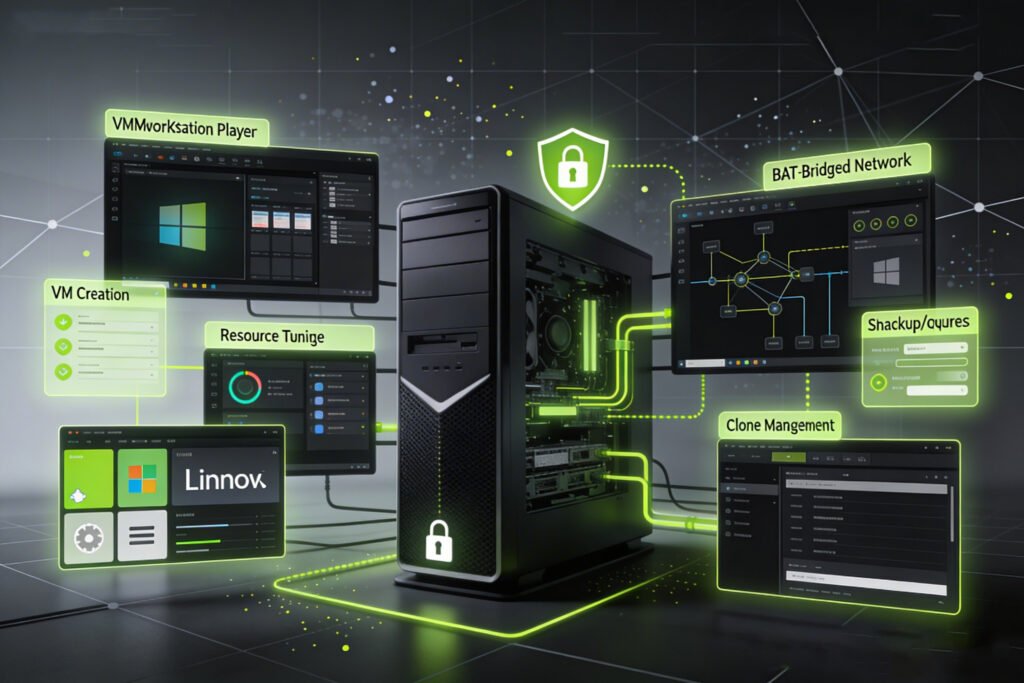
Break through to an effortless virtualization using VMware Services. From VMware Workstation through VMware Virtual Machines, we enable you to develop, administer, and maximize virtual environments among Windows, Mac, and Linux, providing your business with an adaptable, secure, and high-performance infrastructure.
Why Choose Us
-
Flexible virtualization with VMware Workstation and VMware Player
-
Expert support for VMware Virtual Machines and backup solutions
-
Easy setup on Windows, Linux, and Mac
-
Guidance on comparisons like VMware vs VirtualBox and VMware Fusion
-
Installation, configuration, and management for all VMware versions

Virtual Machines & Backup Solutions
VMware Virtual machine Backup While Running, you can be sure that your VMs are safeguarded, optimized, and prepared to be restored to serve either test or development workloads, or production workloads. Support will cover VMware Fusion Player Download, disk consolidation and restoration services to personal and enterprise configurations.
Installation & Setup
Start with VMware Workstation Download, VMware Player Download, and configure tasks of Windows 10, Windows 11, Mac or Linux. Our team will take you through such procedures as How to Install VMware Tools on Windows so that you can have a full-fledged environment where maximum performance will be achieved. Solutions such as VMware Player Lizenz and VMware Player Kostenlos are also available for either personal or trial use.
VMware Workstation & Player
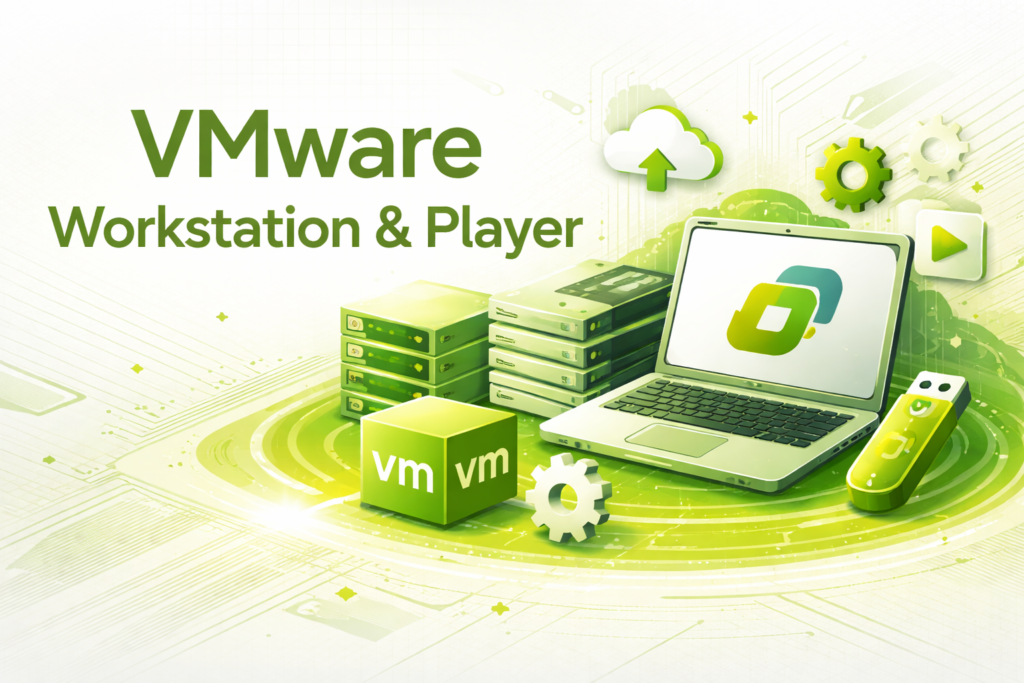
Effective use of VMware Workstation Pro, VMware Workstation Player, and VMware Workstation 17 Player ensures that applications run smoothly on isolated environments. Test software, run multiple operating systems on the same machine, and explore VMware Player Linux, VMware Player Windows 11, or VMware Player Mac for cross-platform flexibility. We also provide comparisons like VMware Workstation Pro vs Player, VMware Player vs Workstation, and VMware Fusion vs Workstation so you can select the solution most suitable for your needs.
Frequently Asked Questions
What is VMware?
VMware is a virtualization platform that allows multiple operating systems to run on a single physical machine, making IT infrastructure flexible, efficient, and easier to manage.
Can I run Windows and Mac on VMware?
Yes! VMware supports multiple operating systems, including Windows 10, Windows 11, Linux, and Mac, allowing versatile virtual environments.
How do I backup VMware virtual machines?
With VMware Virtual Machine Backup and Backup VMware Virtual Machine While Running, your VMs are protected, and recovery is simple in case of failure or accidental loss.
How do I install VMware Workstation or Player?
You can download the software (VMware Workstation Download, VMware Player Download) and follow step-by-step guidance for installation on Windows, Linux, or Mac systems.
What is the difference between VMware Workstation and Player?
VMware Workstation is feature-rich for advanced users, while VMware Player is lightweight and ideal for running existing virtual machines. We guide you on which solution best fits your needs.
Main Services
Workstation Installation & Setup
VM Build & Resource Tuning
Network Modes (NAT/Bridged)
Snapshot & Clone Management
Troubleshooting & Performance
Get Your VMware Environment
Stop worrying about hardware limitations or software compatibility. Let us deploy and optimize your VMware environment, providing secure, scalable, and high-performing virtual machines tailored to your business needs.
Contact us today to set up your VMware services and enjoy seamless, reliable, and efficient virtualization.